Blog · November 25, 2026
How to Claim Your Business Profile in ChatGPT: A Step-by-Step Business Hub Guide
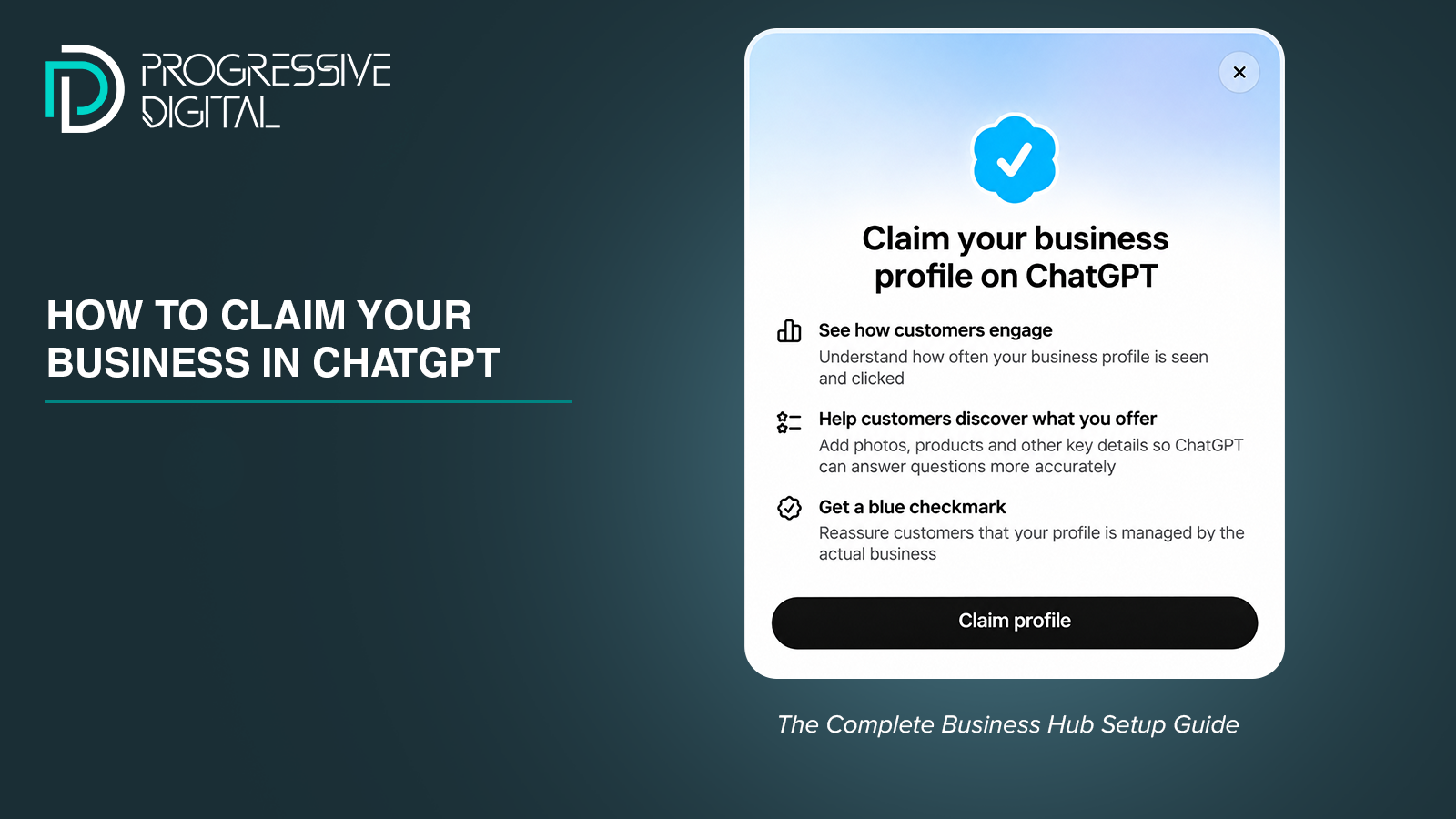
Customers can ask ChatGPT to recommend local contractors, compare remodeling companies, or find a marketing agency. But what if its information about your business is outdated?
On November 10, 2026, OpenAI introduced Businesses in ChatGPT, including a new Business Hub where eligible companies can claim their profiles, update information, and see how people engage with them in ChatGPT.
Business Hub helps owners manage the facts ChatGPT may use. It is not a shortcut to AI recommendations or a form of advertising.
Here’s how the claiming process works, what you need for verification, and what to do after approval.
What Is ChatGPT Business Hub?
Business Hub is an official management area within ChatGPT for business owners and authorized representatives. It lets eligible companies claim an existing listing, manage business information after verification, and view aggregated insights.
It provides a way to maintain details ChatGPT may use when answering questions about your services.
For a remodeler, that might mean clarifying whether it handles complete renovations or only countertop installation.
ChatGPT may still rely on other sources when forming its answers. Claiming does not mean you control every response mentioning your business.
Business Hub is also different from the ChatGPT Business subscription, which provides workspace features for teams.
Who Can Claim a Business Profile in ChatGPT?
You must own the business or be authorized to represent it. Eligibility also depends on business type, location, and whether OpenAI supports the necessary verification.
No ChatGPT Enterprise subscription or advertising account is required.
There is an important limitation for local businesses: as of November 2026, local stores and restaurants can claim only an existing U.S. listing. Eligible online businesses may see an option to add a listing that is not yet present.
Other categories should check the options available in Business Hub rather than assume they can create a new profile.
Agencies should involve the owner in verification, then request authorized access instead of sharing passwords.
How Do You Claim Your Business in ChatGPT? Step by Step
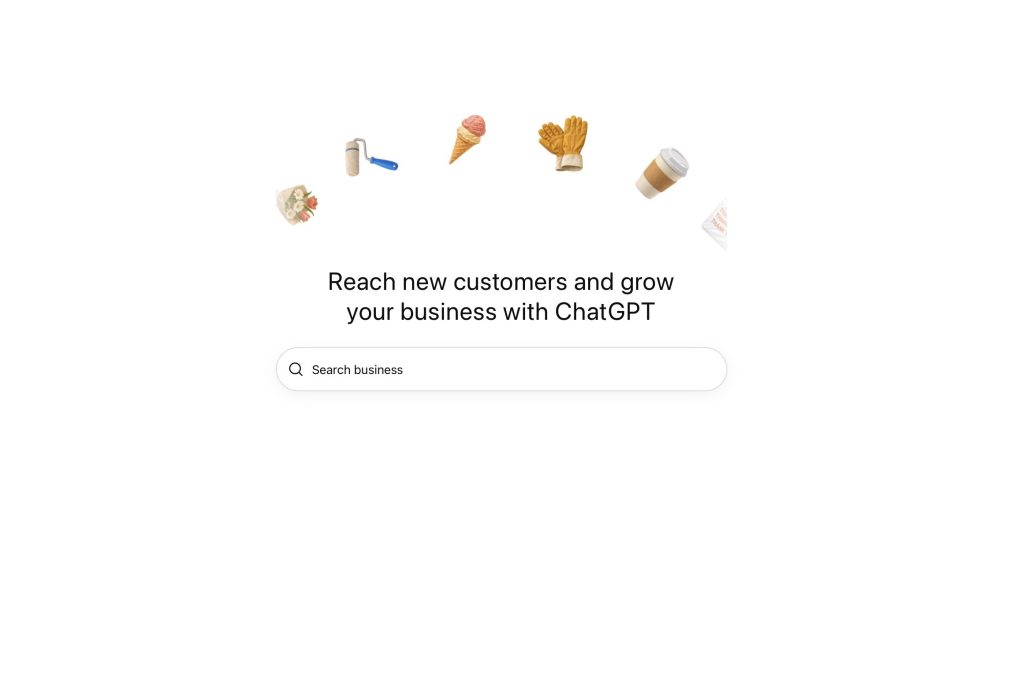
Step 1: Open Business Hub.
Sign in to ChatGPT on the web and open Business Hub from the sidebar.
You can also go directly to:
chatgpt.com/business-hub
Use an account the business can maintain.
Step 2: Search for your company.
Enter your business name and look for the matching listing.
Check the name and website to avoid selecting another business.
Step 3: Select the listing.
Confirm the profile you want to manage and the ChatGPT account associated with the claim.
For locked listings, select Contact support.
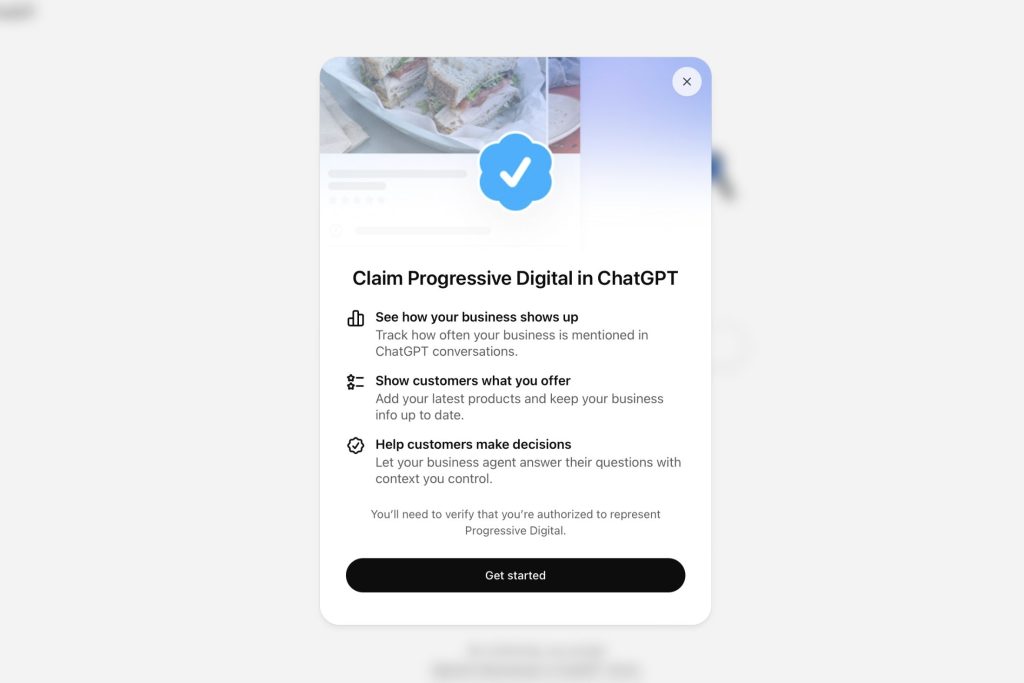
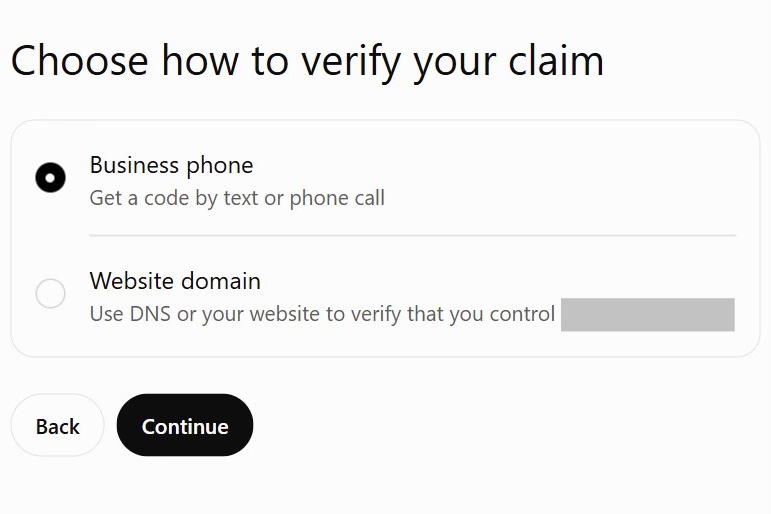
Step 4: Verify your connection to the business.
Business Hub shows the methods available for your listing.
These may include a code sent to a business phone or email, a website-domain DNS record, or a Shopify connection.
Step 5: Submit the claim for review.
OpenAI reviews the claim and emails its decision or requests more information.
Step 6: Complete Persona identity verification.
Once your claim is approved, open the business profile and look for Complete verification with Persona.
This separate identity check is required before you can publish profile changes or view insights.
Follow the prompts and wait for approval.
Step 7: Update your profile.
After both approvals, review your website, business description, category, logo, cover image, and other available fields.
OpenAI reviews submitted changes, so updates may not appear immediately.
Verification options vary by business.
How Does Phone, Email, or Website Verification Work?
Phone verification uses a code delivered by SMS or an automated call when those options are available.
Email verification sends a code to the business address shown in your claim.
Website-domain verification requires a TXT record in your domain’s DNS settings.
Copy the host and value exactly as Business Hub provides them, ask your domain administrator to make the change if necessary, then return to select Verify domain.
DNS changes may take time to propagate.
Shopify businesses may be able to connect their store through Business Hub or the ChatGPT app in Shopify.
Persona is a separate step.
It may request government identification, business-registration details, and proof that you represent the company.
Use the exact legal name, registration address, and any required registration number shown on official records.
The blue verified check appears only after Persona approval, not merely after claiming the listing.
What Information Should You Add to Your ChatGPT Business Profile?
Start with accuracy, not marketing slogans.
Use your actual business name, official website, current service category, and a description that makes your services unmistakable.
For a home remodeling company, a useful description should explain whether you provide full renovations, bathroom remodeling, custom cabinetry, or countertop fabrication.
Be specific about the services you genuinely offer.
Use a recognizable logo and cover image where available.
Check that your website describes the same services, locations, and company identity.
If your business sells eligible products, Business Hub also supports product feeds with prices and availability.
Service businesses should not assume they need a product feed to claim their company.
Can You See How Often ChatGPT Mentions Your Business?
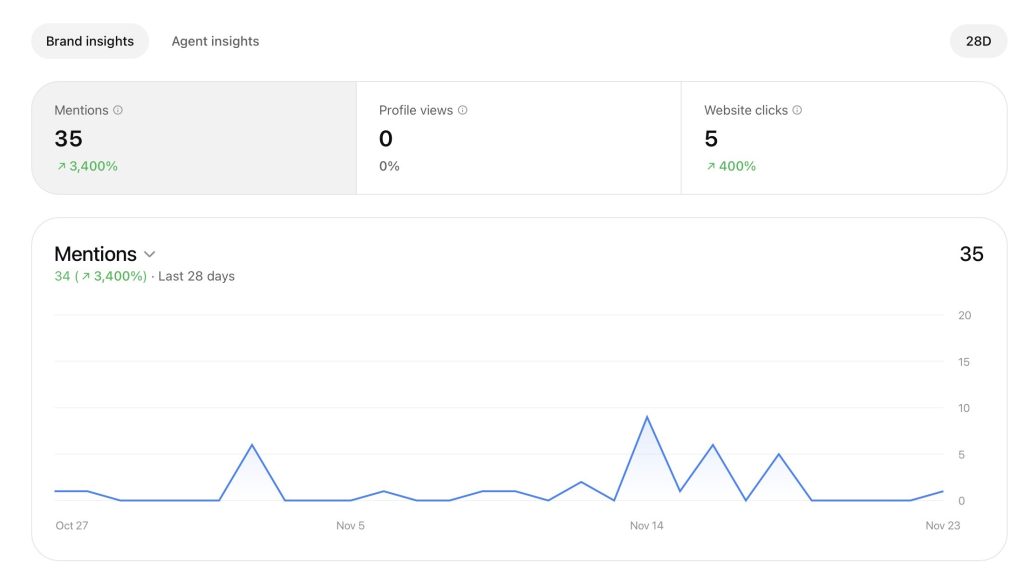
Yes. After your claim and Persona verification are approved, Business Hub provides an Insights section showing aggregated activity over the previous 28 days.
Available metrics include:
Mentions: How often ChatGPT references your business through the applicable reporting criteria.
Website clicks: How often users click through to your website.
Discovery topics: Common themes in ChatGPT answers associated with your business.
For online businesses, a mention is counted when ChatGPT references the business’s website.
For local businesses, it is counted when ChatGPT displays a result for that location.
You won’t see private conversations or individual prompts.
Blank metrics can reflect reporting thresholds or incomplete data.
We recommend using these insights alongside website analytics and actual customer inquiries, not as a substitute for them.
Will Claiming Your Profile Improve Your ChatGPT Rankings?
Not automatically.
OpenAI explicitly says claiming a business does not guarantee higher placement, more recommendations, or sales.
ChatGPT continues to make independent comparisons and recommendations.
What claiming does provide is a way to contribute up-to-date business information and correct details you are authorized to manage.
That matters for AI visibility, but it’s only one part of a broader strategy.
Clear service pages and accurate, consistent information still matter for AI and traditional search.
Business Agents are another separate feature.
Currently, they are available to eligible U.S. ecommerce and online service businesses with websites.
A verified local remodeling profile does not automatically qualify for an agent, and claiming does not require publishing one.
What If You Cannot Find or Verify Your Business?
First, check the spelling and whether the business already has an eligible listing.
Not every category or location offers the same claiming options.
If a listing is already claimed, open its menu and look for Dispute ownership.
If it is locked, choose Contact support.
If your phone or email cannot receive a code, use another verification option only if Business Hub offers it.
For pending or failed checks, follow OpenAI’s email instructions before retrying.
If support is needed, provide the stage where you got stuck, the error message, and a screenshot without sensitive information.
How Progressive Digital Helps Businesses Prepare for AI Search
At Progressive Digital, we help businesses make their services easier to understand and discover online.
We’re a digital marketing agency headquartered in Princeton, NJ, specializing in home remodeling, real estate, dental, legal, and other service-based industries.
Our services include Google Ads, Meta Ads, SEO, GEO and AI Search Optimization, social media management, website development, and AI receptionists for inbound calls.
Our clients see an average 3x ROI within six months. Monthly retainers start at $1,500 and scale based on ad spend and scope.
Business Hub does not replace a strong website or clear marketing strategy.
We help businesses connect these channels around measurable goals.
Frequently Asked Questions
Q: Do I need ChatGPT Enterprise or an Ads account to claim my business?
A: No. You don’t need an Ads account or Enterprise subscription to claim an eligible business. Claiming is separate from purchasing advertising or publishing a Business Agent.
Q: Does claiming my business guarantee ChatGPT recommendations?
A: No. OpenAI does not guarantee higher placement or sales. Claiming allows you to manage approved information about your business.
Q: Can an agency manage my ChatGPT business profile?
A: Yes. An authorized administrator can invite teammates or grant agency access through Business Hub, subject to the available account and workspace settings.
Q: What industries does Progressive Digital work with?
A: We specialize in home remodeling, including kitchen and bathroom remodeling, HVAC, and roofing. We also work with real estate, health and wellness, dental, legal and professional services, automotive, and AI startups.
Q: Where is Progressive Digital located?
A: Progressive Digital is headquartered in Princeton, NJ, and serves clients across the United States.
Q: What services does Progressive Digital provide?
A: We offer PPC through Google Ads and Meta Ads, SEO and GEO, social media management, website development, and AI receptionists for inbound call handling.